
Our Merge PDF Tool allows you to combine multiple PDF documents into a single, organized file in just a few clicks. Whether you’re creating project reports, assembling scanned pages, or merging documents for submission, this tool provides a clean, fast, and secure merging experience—right inside your browser.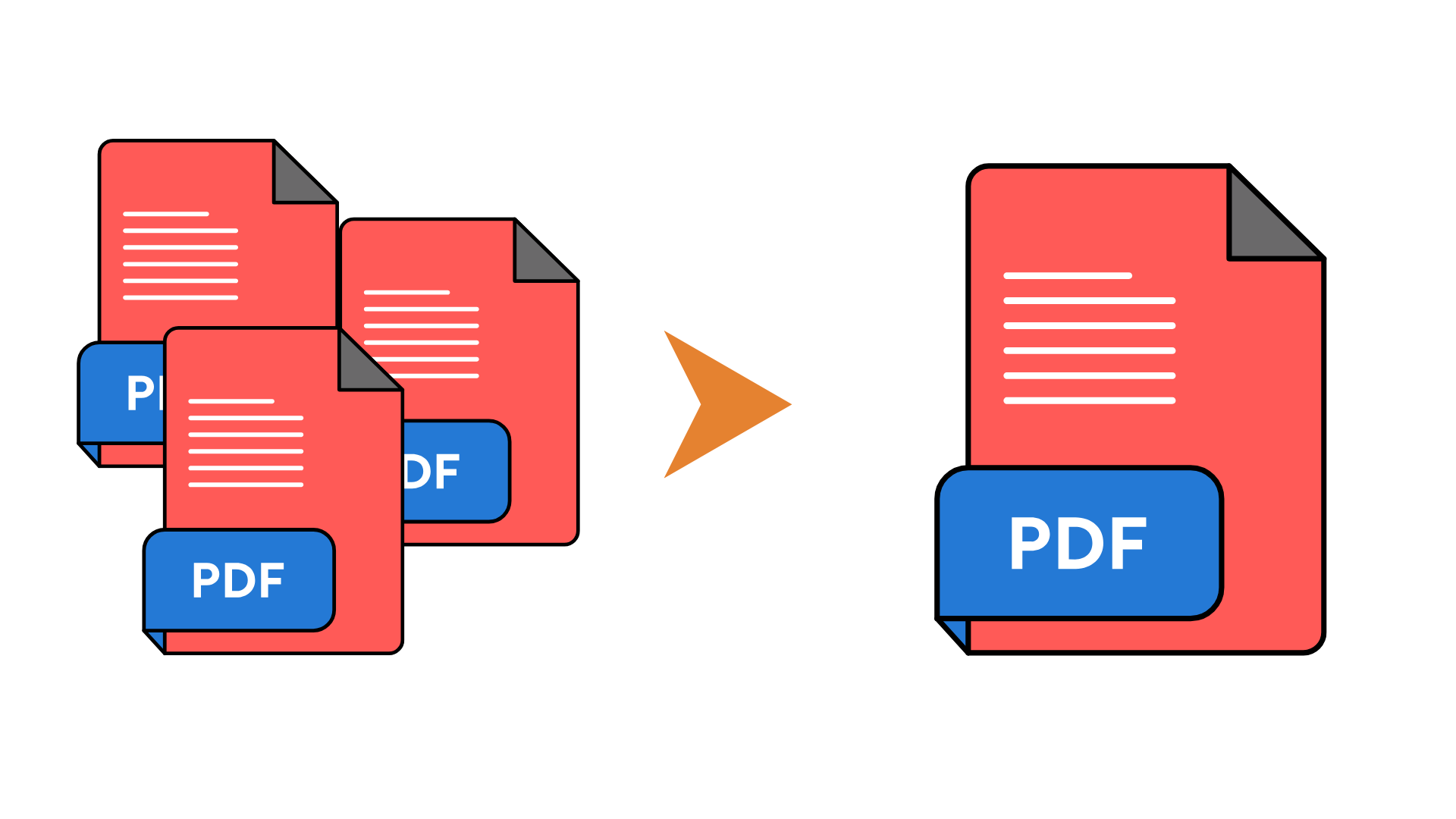
Key Features
Merge unlimited PDF files quickly and securely
Maintain original quality, formatting, and page order
Drag-and-drop interface for easy file arrangement
Instant merge processing with no installation
Works on all devices: desktop, tablet, and mobile
Browser-based, safe, and privacy-friendly
How to Use
Upload Your PDFs:
Click the “Select PDF Files” button or drag-and-drop multiple PDFs into the upload area. Your files will appear in a list.Arrange Order:
Drag files up or down to set the correct sequence before merging.Merge Files:
Click “Merge PDF” and wait a few seconds while the tool processes and combines your documents.Download:
Once the merge is complete, click the download button to save the newly created single PDF to your device.
Benefits
Easy Document Management: Combine multiple PDFs into one clean file for convenient organization.
Professional Output: Maintains high-quality text, images, and formatting across all pages.
Time-Saving: No need for heavy software—merge documents instantly online.