
📝 PDF to Text Converter
Reads your PDF, goes through every page, and turns all text into a single TXT file.
PDF to Text Converter
The PDF to Text Converter allows you to extract all the textual content from an entire PDF document and save it as a clean, editable TXT file. It reads every page of your PDF, combines the text into a single document, and prepares it for download directly in your browser—no sign-up, no server upload, and no extra software required.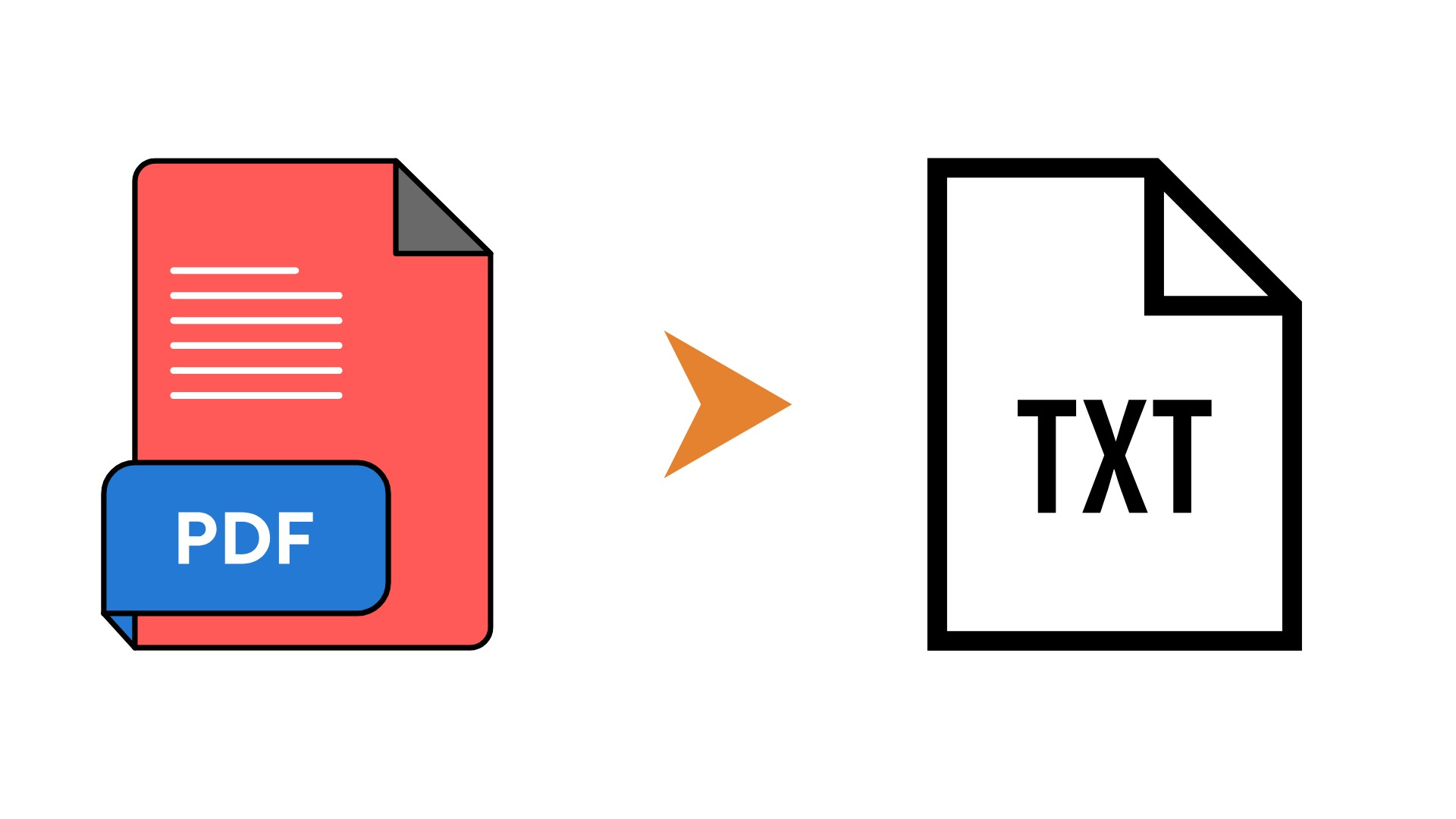
Key Features
Converts the entire PDF into one consolidated TXT file
Reads all pages and merges their text in a logical order
Works with multi-page reports, e-books, articles, and documents
Runs fully in your browser; files are not sent to any external server
Clear status messages and animated progress bar during conversion
One-click TXT download with your original file name preserved where possible
How to Use
Upload Your PDF
Click the “Choose PDF” button and select the PDF file from your device. Once loaded, the file name will be displayed.Start the Conversion
Click “Convert to Text”. The tool will read each page of your PDF, extract the text, and append it into a single text document.Track the Progress
Watch the on-screen status text and progress bar as the pages are processed and combined.Download the TXT File
When the conversion is complete, click “Download TXT”. A TXT file containing the full text of your PDF will be saved to your device.
Benefits
Fast Content Extraction
Quickly pull all text from large PDFs without copying and pasting page by page.Easy Editing & Reuse
Open the TXT file in any editor (Notepad, Word, Google Docs) to edit, reformat, translate, or reuse the content.Searchable & Lightweight
TXT files are small and easy to search, making them ideal for notes, research, and archives.Private & Secure
All processing happens locally in your browser, so your documents remain on your device and under your control.
📝 PDF to Text Converter
Reads your PDF, goes through every page, and turns all text into a single TXT file.
PDF to Text Converter
The PDF to Text Converter allows you to extract all the textual content from an entire PDF document and save it as a clean, editable TXT file. It reads every page of your PDF, combines the text into a single document, and prepares it for download directly in your browser—no sign-up, no server upload, and no extra software required.
Key Features
Converts the entire PDF into one consolidated TXT file
Reads all pages and merges their text in a logical order
Works with multi-page reports, e-books, articles, and documents
Runs fully in your browser; files are not sent to any external server
Clear status messages and animated progress bar during conversion
One-click TXT download with your original file name preserved where possible
How to Use
Upload Your PDF
Click the “Choose PDF” button and select the PDF file from your device. Once loaded, the file name will be displayed.Start the Conversion
Click “Convert to Text”. The tool will read each page of your PDF, extract the text, and append it into a single text document.Track the Progress
Watch the on-screen status text and progress bar as the pages are processed and combined.Download the TXT File
When the conversion is complete, click “Download TXT”. A TXT file containing the full text of your PDF will be saved to your device.
Benefits
Fast Content Extraction
Quickly pull all text from large PDFs without copying and pasting page by page.Easy Editing & Reuse
Open the TXT file in any editor (Notepad, Word, Google Docs) to edit, reformat, translate, or reuse the content.Searchable & Lightweight
TXT files are small and easy to search, making them ideal for notes, research, and archives.Private & Secure
All processing happens locally in your browser, so your documents remain on your device and under your control.